Now on the App Store

Measure it.
Annotate it.
Share it.

Turn any photo into a professional measurement document. Dimension lines, callout labels, AI voice commands — right from your phone.

Download on the App Store Free · No account needed · or use it in your browser
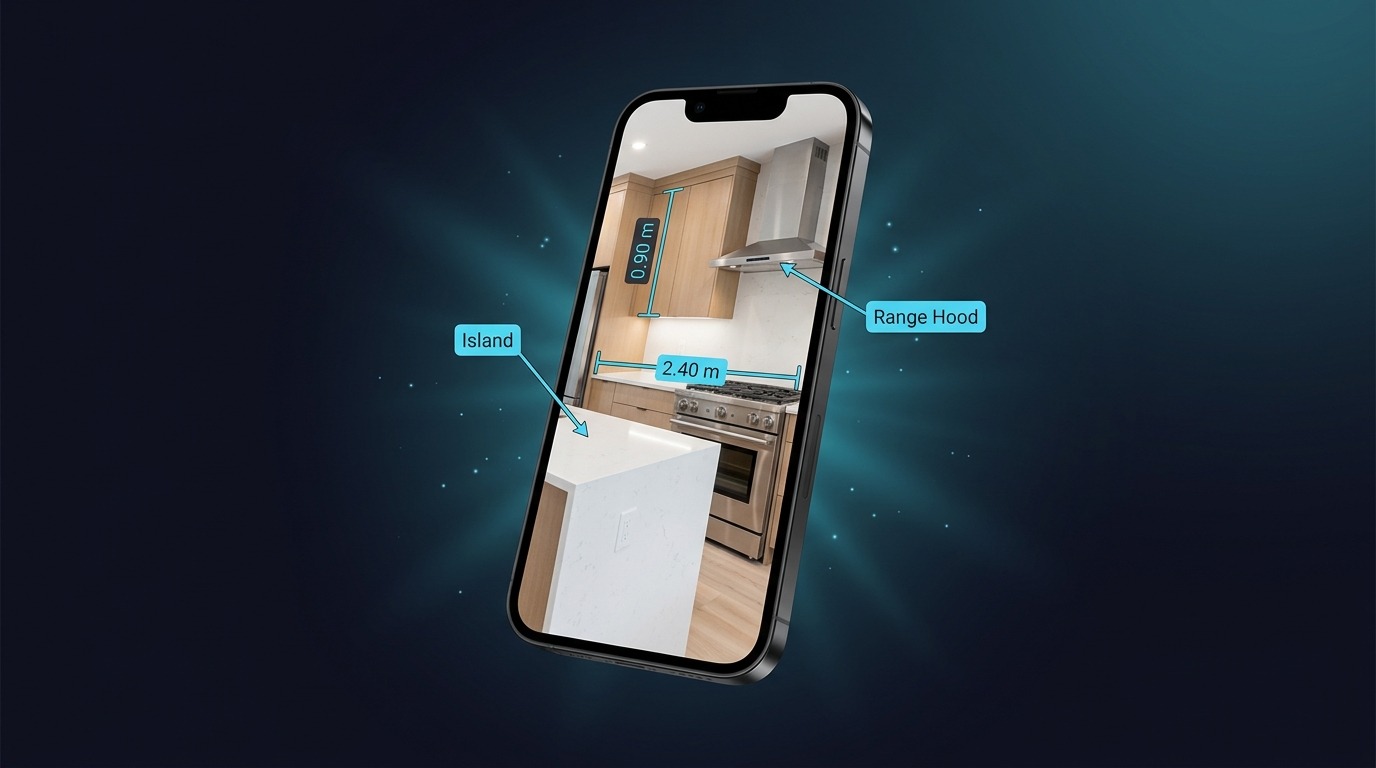
MeasureSnap app showing annotated kitchen on iPhone
Snap
Take a photo
Annotate
Dimensions & labels
Speak
AI places it for you
Share
Export & send

Precision tools,
pocket-sized

Everything you need to document measurements in the field — without the clipboard and pen.

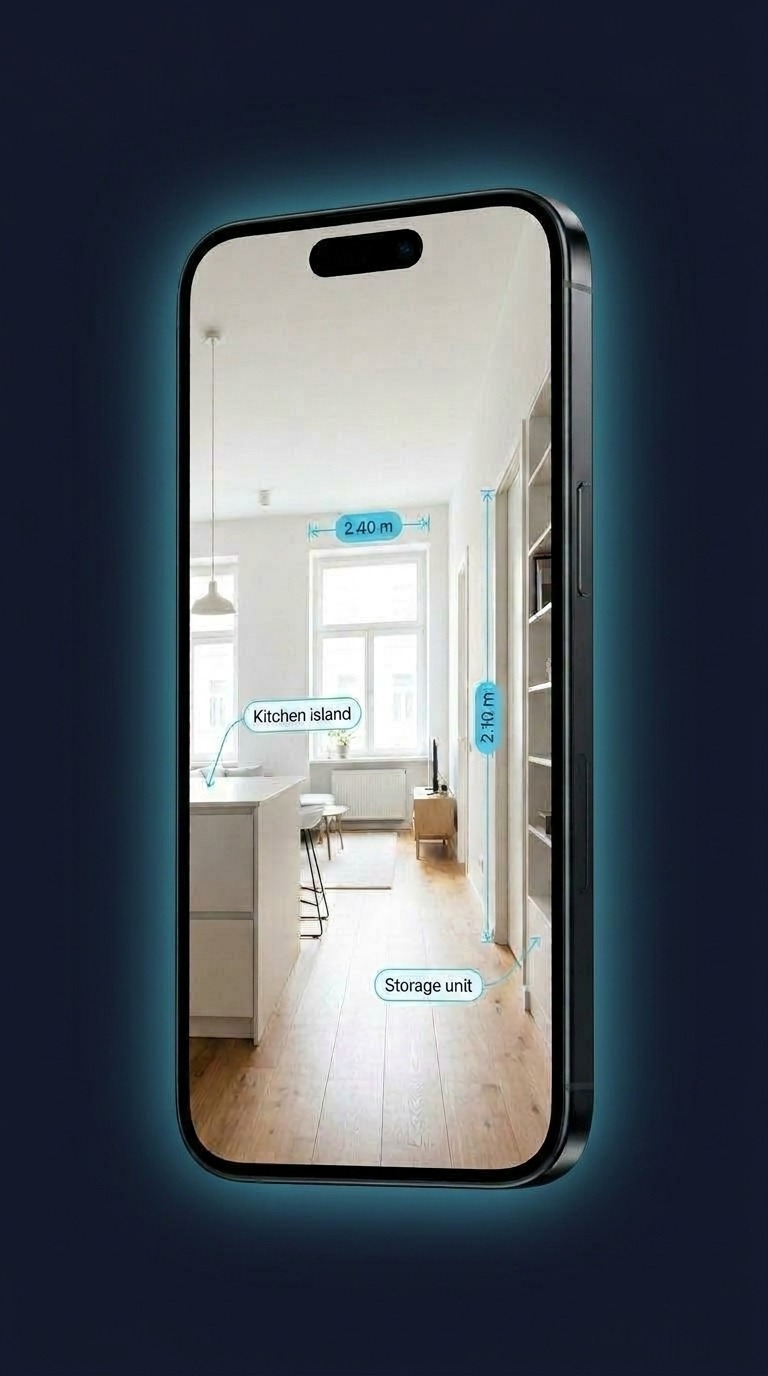
Dimension lines and callout labels on a living room
01

Engineering-grade annotations

Drag to draw dimension lines with arrowheads and extension ticks. Tap to place callout labels with arrows. Looks like it came out of AutoCAD — but it took you 3 seconds.

Dimension lines Callout labels Auto-contrast colors
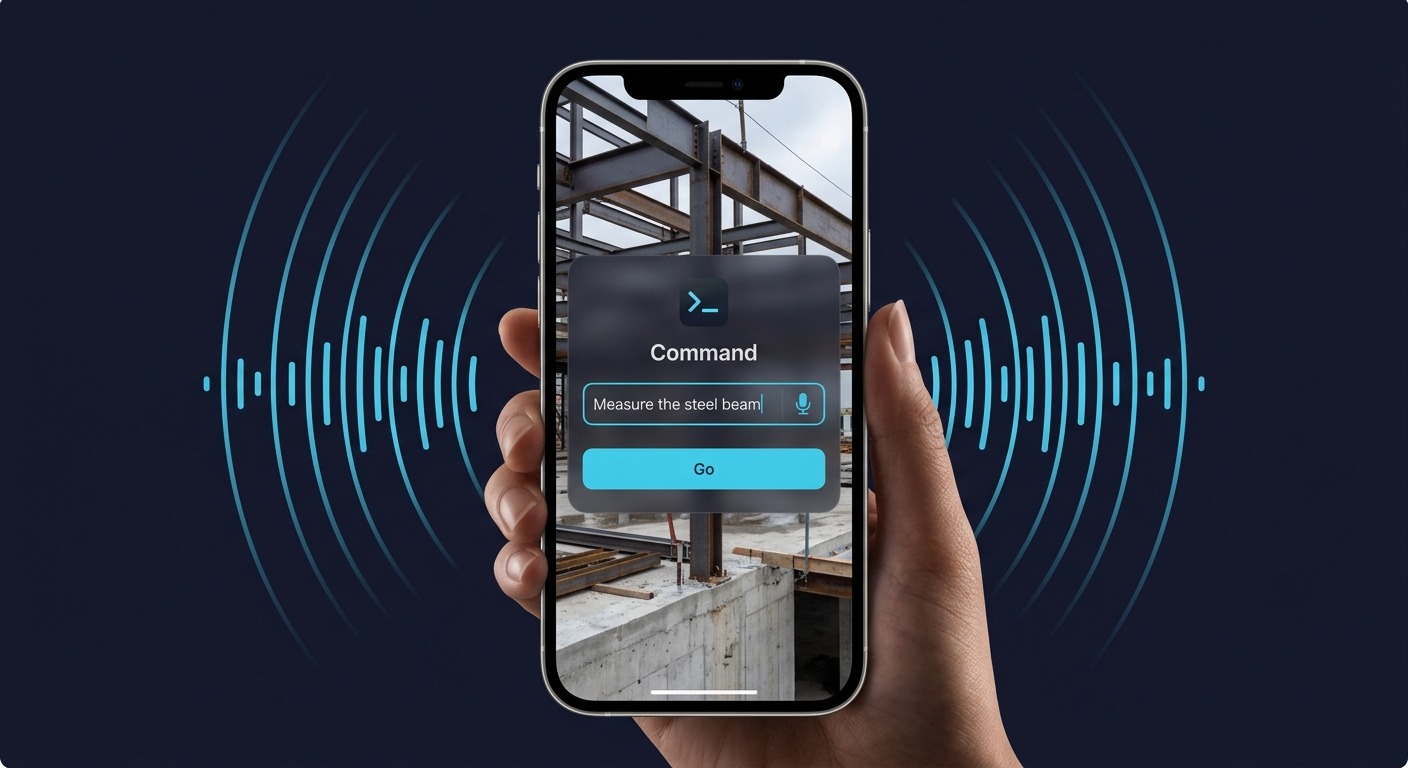
AI voice command interface
02

Say it. It appears.

Tell the app what to measure — in English or Spanish. AI understands your photo and places the annotation exactly where it should go. Type or speak, your call.

Voice input Spanish + English AI placement
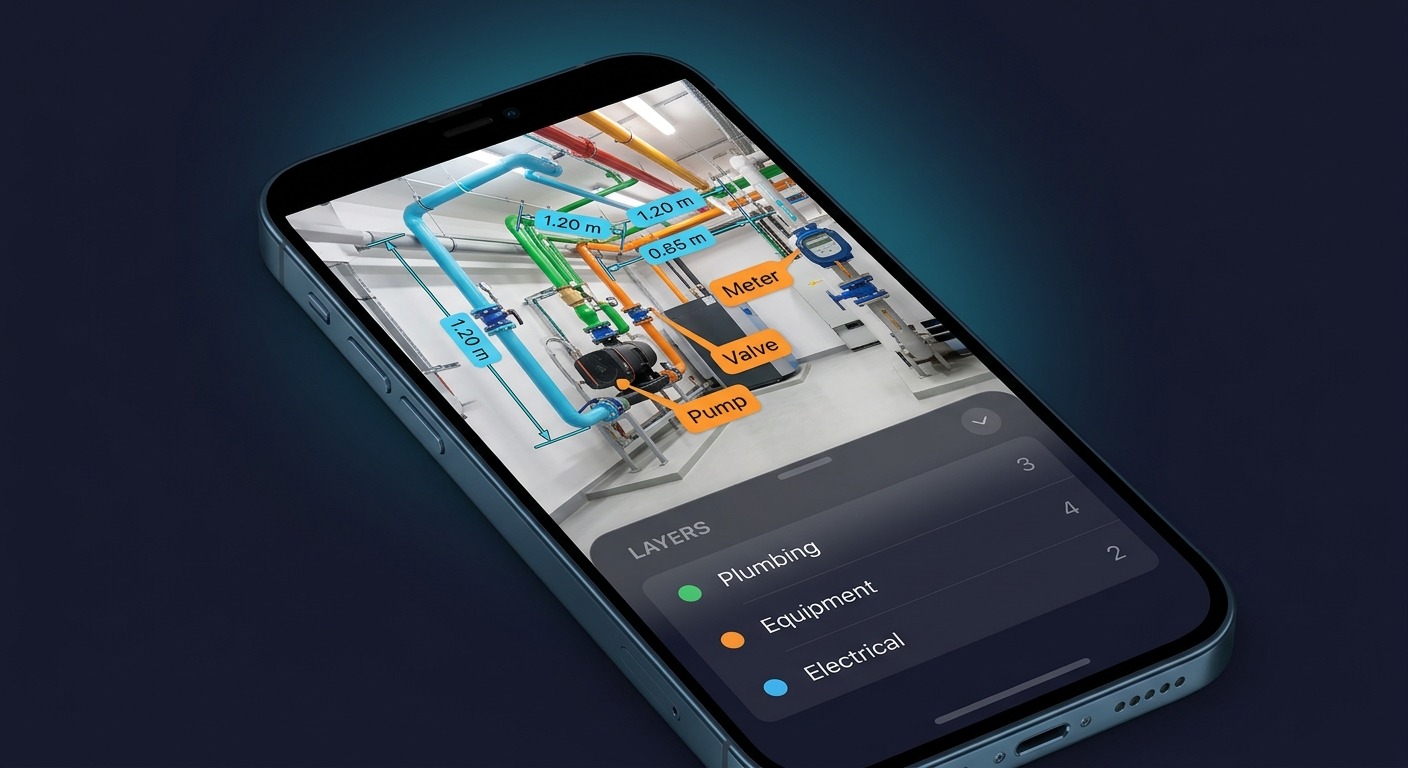
Layer management panel showing organized annotations
03

Layers, like the pros

Organize annotations into named layers — Pipes, Equipment, Electrical, whatever you need. Toggle visibility, export specific layers, keep your documentation clean and structured.

Named layers Toggle visibility Per-layer export

Built for people
who build things

From factory floors to construction sites — wherever measurements matter.

🏗️

Construction

Document site dimensions, annotate structural photos, share annotated plans with your crew instantly.

🔍

Field Inspections

Walk through a facility, snap photos, annotate equipment with measurements and labels. Report done before you leave.

🏠

Home Renovation

Measure rooms, windows, furniture. Share annotated photos with contractors instead of explaining over the phone.

🏭

Manufacturing

Document machinery specs, label components, track equipment dimensions across production lines.

🏢

Real Estate

Annotate property photos with room dimensions. Professional-looking documentation for listings and appraisals.

📐

Education

Teach measurement concepts, annotate lab equipment, create visual documentation for engineering courses.

Your notepad just
became obsolete

Free. No account. No subscription.
Just open, snap, and annotate.

Download on the App Store

No iPhone? Use it in your browser — works on any device